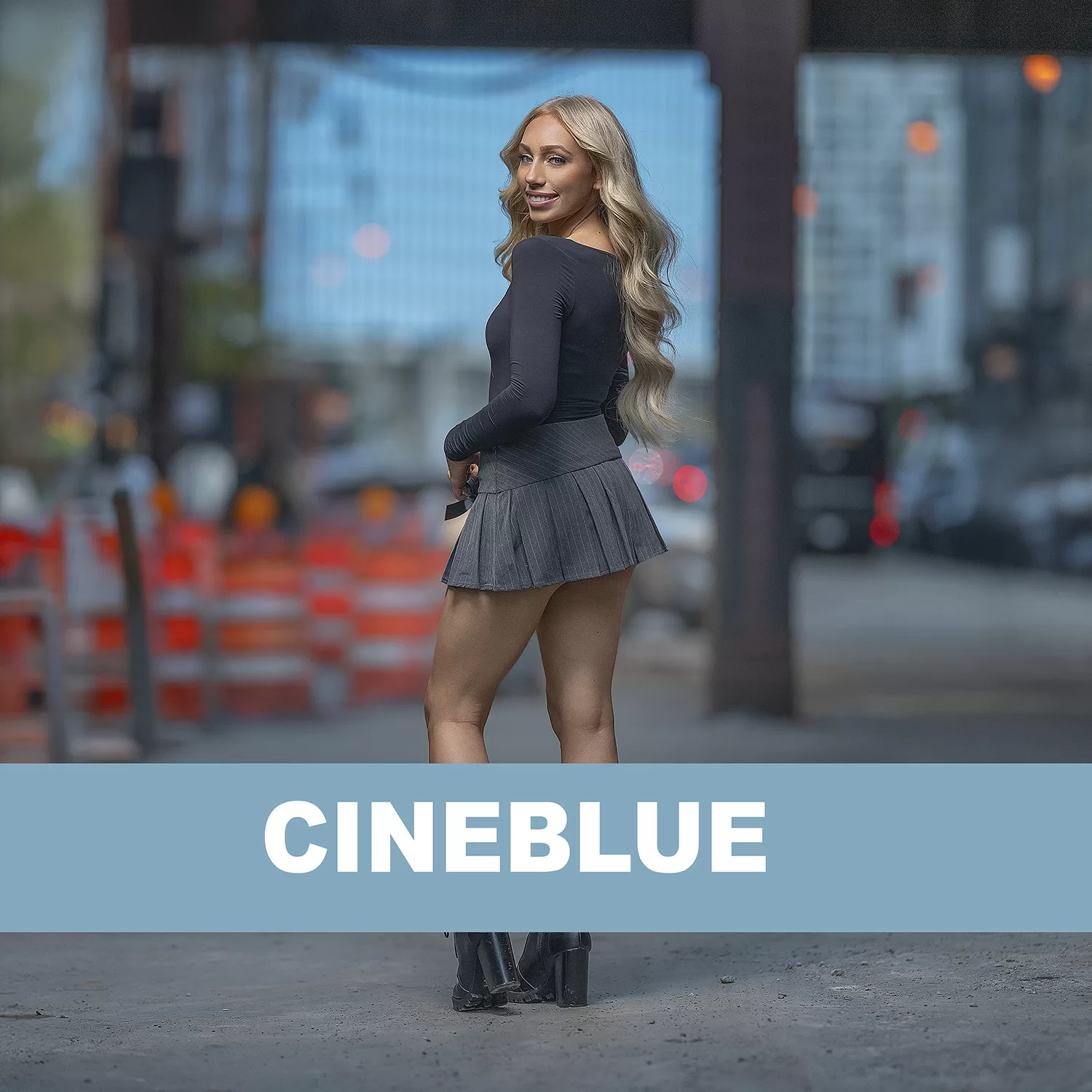
Cineblue
$10.00
Cineblue
The color grade starts before the edit.
This course breaks down how I created a cinematic blue-toned image by making capture and editing decisions work together from the very beginning.
You’ll start on location with me. I show the environment, the available light, my off-camera flash placement, subject distance, and the other frames from the series so you can see what I was responding to in real time.
Those extra frames matter because they show that the final look wasn’t created by simply opening one RAW file and deciding to make it blue.
The blue tones were already part of what I saw in the environment.
I made choices during capture that allowed me to preserve those tones, keep the background bright and dimensional, separate the subject, and create a file that could be pushed in the direction I wanted later.
Then we move into the complete edit.
You’ll watch me take one image from RAW to final and see exactly how I shape the blues, skin tones, contrast, density, and overall mood without presets.
I also show how I keep the color intentional without pushing it so far that the photograph begins to feel artificial.
Inside the course you’ll see:
• Behind-the-scenes video from the actual session
• The location and available light I was working with
• My off-camera flash placement
• The complete RAW series from this portion of the shoot
• How the other frames help explain my lighting and exposure decisions
• The featured RAW file before editing
• My complete RAW-to-final hand edit
• How I develop and control the blue tones
• How I maintain believable skin while pushing the environment cooler
• How I keep the background bright and dimensional while using flash
• How capture and color grading support each other
This isn’t about applying a cinematic blue effect after the fact.
It’s about recognizing what the environment is already giving you, deciding what you want that color to become, and making choices at capture that give you the room to finish that idea in post.
The color grade is the finish. The intent starts in-camera.
Available inside the VP Box