
The VP Box
You’re here because you want to know everything I know.
So I’m showing you. Inside the VP Box, you get everything you DON’T see in the finished images…the decisions, lighting, camera settings, RAW files, BTS, complete editing process, and most importantly, the WHY behind it all.
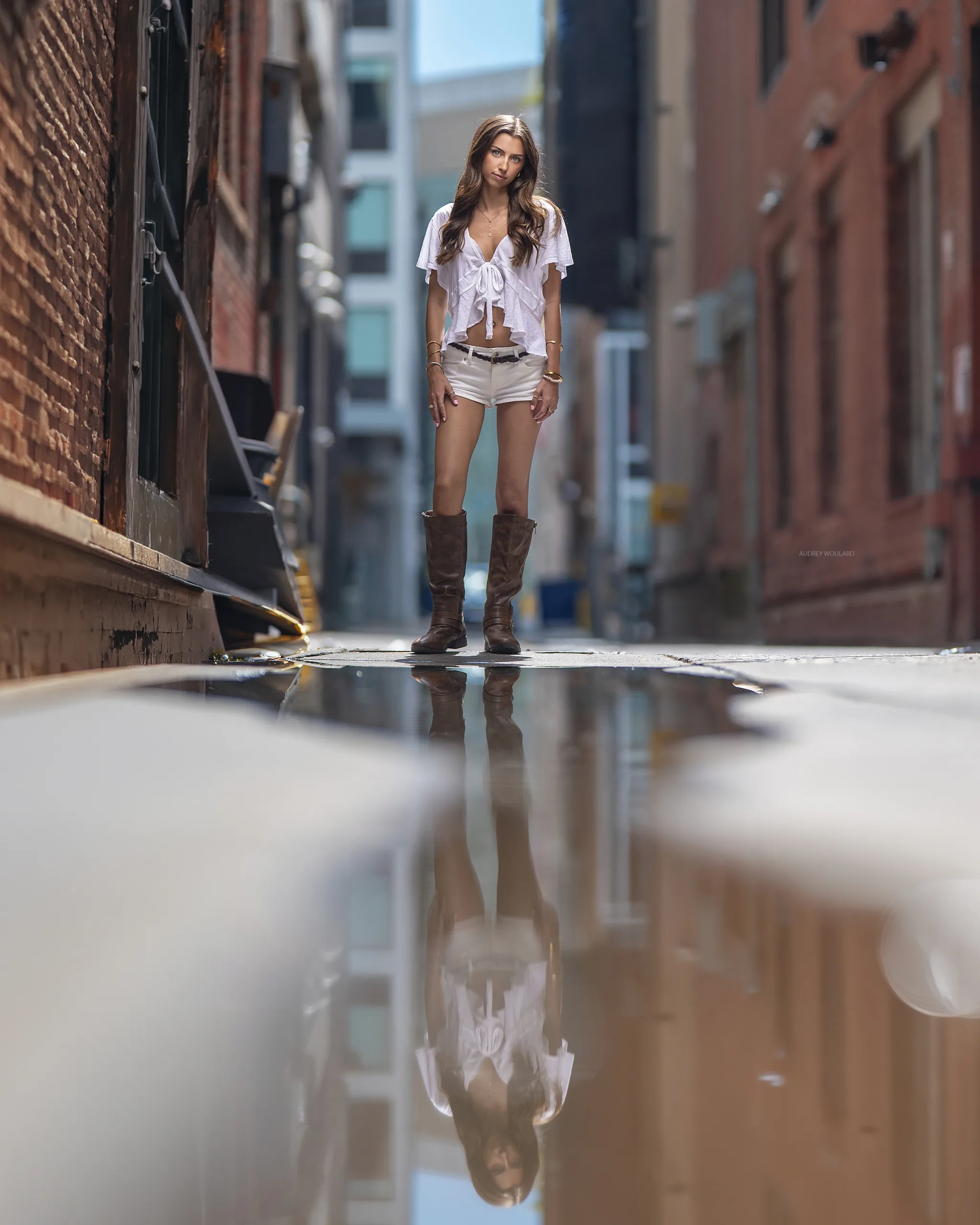
WHAT IS THE VP box
A complete inside look at my photographic and editing brain!
Behind the scenes
See the WHY behind every decision
Watch my actual BTS video, see my exact setups, and hear me explain WHY I made each decision…from camera settings and lighting to location, composition, subject placement, and everything that led to the finished image.
Full process
RAW to final. See exactly how I edit.
See my actual RAW files and watch my complete hand-editing process from beginning to end. You may be surprised by what I DON’T edit…and what I do. Many of the things people assume I create in post were already created in-camera. I show you what I actually enhance, WHY I enhance it, and how the smallest details can completely change the finished image.
Always growing
What you see me create today can be inside the VP Box tomorrow.
I’m constantly adding images from my latest sessions and breaking down the work you see me share online…including the images that go viral and leave photographers asking HOW or WHY I created them. The VP Box is where I can give you the complete answer.
Choose your level of access
Choose your level of access.
You don’t have to watch everything. The VP Box is there when you need it. Whether you’re trying to figure out lighting, editing, sharpness, posing, composition, or something you saw me create…go directly to what you need and start there.
And most of what I teach isn’t available to purchase individually. Plus, Yearly and Lifetime members get access to classes created exclusively for them.
Flexible
$24 / month
Full access to the VP Box library while your membership remains active. Cancel anytime.
SAVE WITH YEARLY
$240 / year
Full access to the VP Box library for one year, plus classes created exclusively for Yearly and Lifetime members.
BEST VALUE
$490 Lifetime
Pay once and get permanent access to the complete VP Box library, every new course I add, and classes created exclusively for Yearly and Lifetime members. No renewals. No upgrade fees.
inside the vp box
Whatever you’re trying to figure out…there’s probably something in here for that.
Lighting. Editing. Sharpness. Natural light. Flash. Full sessions. Specific problems. Sometimes you don’t need another complete course…you just need the answer to the thing you’re trying to figure out right now.
More than 100 of the courses inside the VP Box aren’t available to purchase individually. Here’s a small sample of what you can find inside.
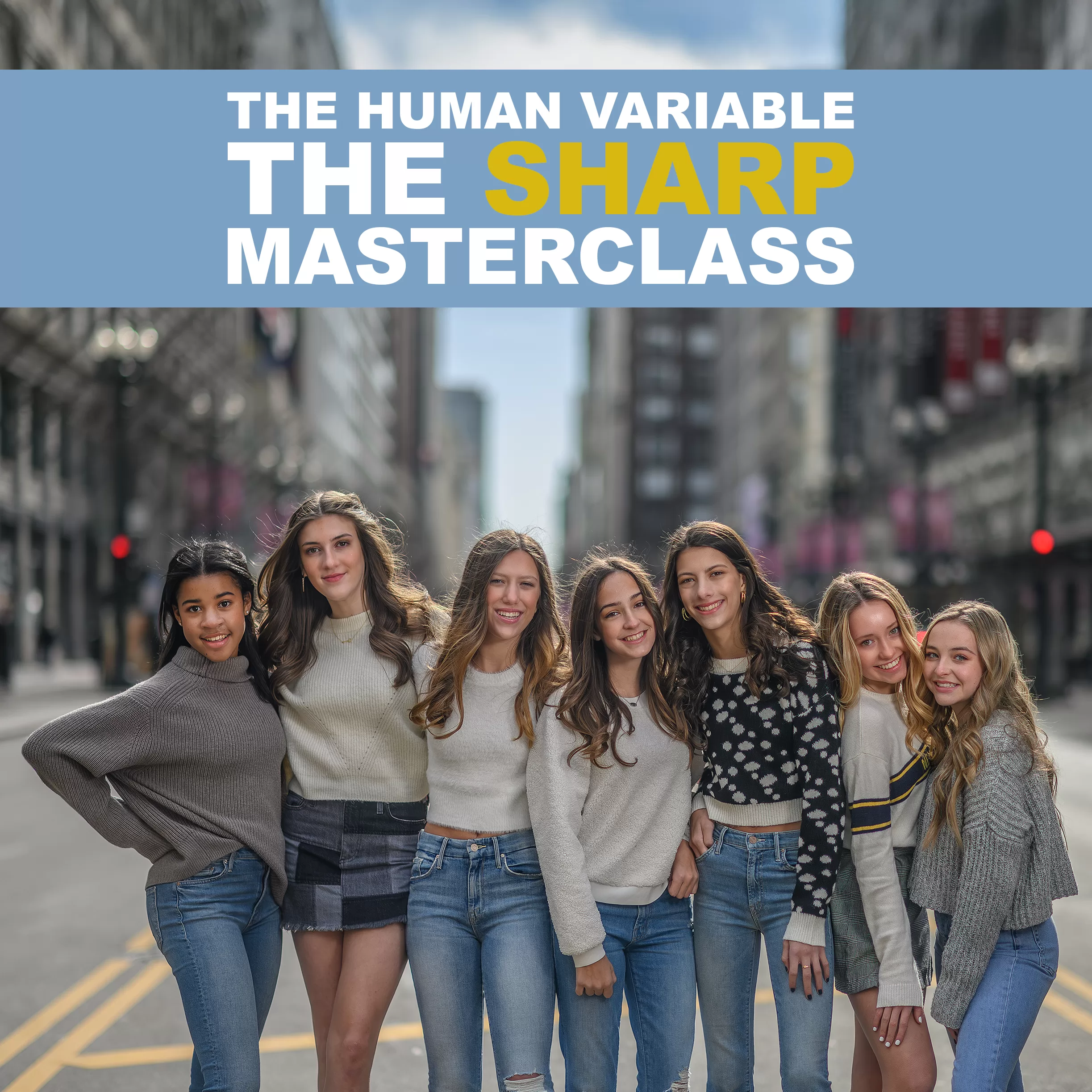
THE HUMAN VARIABLE | SHARP MASTERCLASS
Learn how I keep images sharp at wide apertures, whether there is one person in the frame or an entire group.
VP BOX ONLY
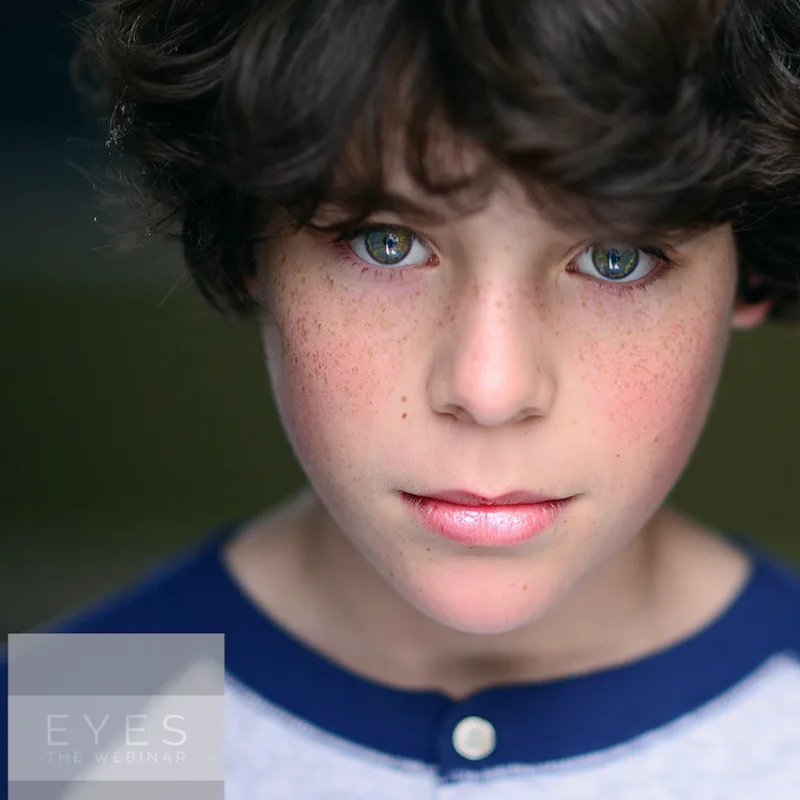
EYES
This is one of the OG’s of the VP Box! Learn my method for enhancing eyes in post processing without the aid of sharpening. This course was created before anything “AI” existed. This video touches heavily on making brown eyes pop!
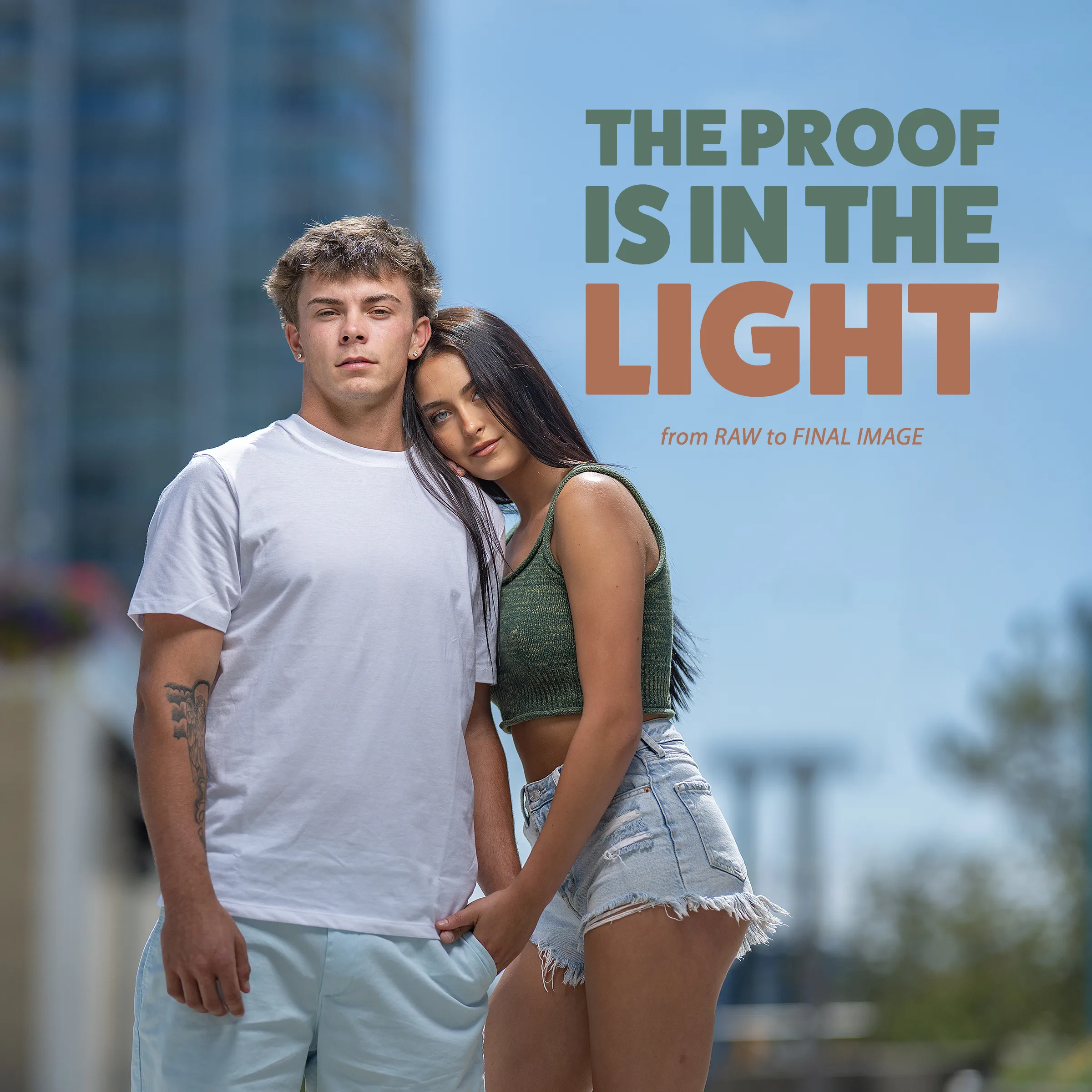
The Proof is in the Light
See the untouched RAW files, BTS, lighting setup, location choices, and complete edit behind images photographers insisted couldn’t look this way straight out of camera. This course shows exactly what was created in-camera…and what actually changed in post.
VP BOX ONLY
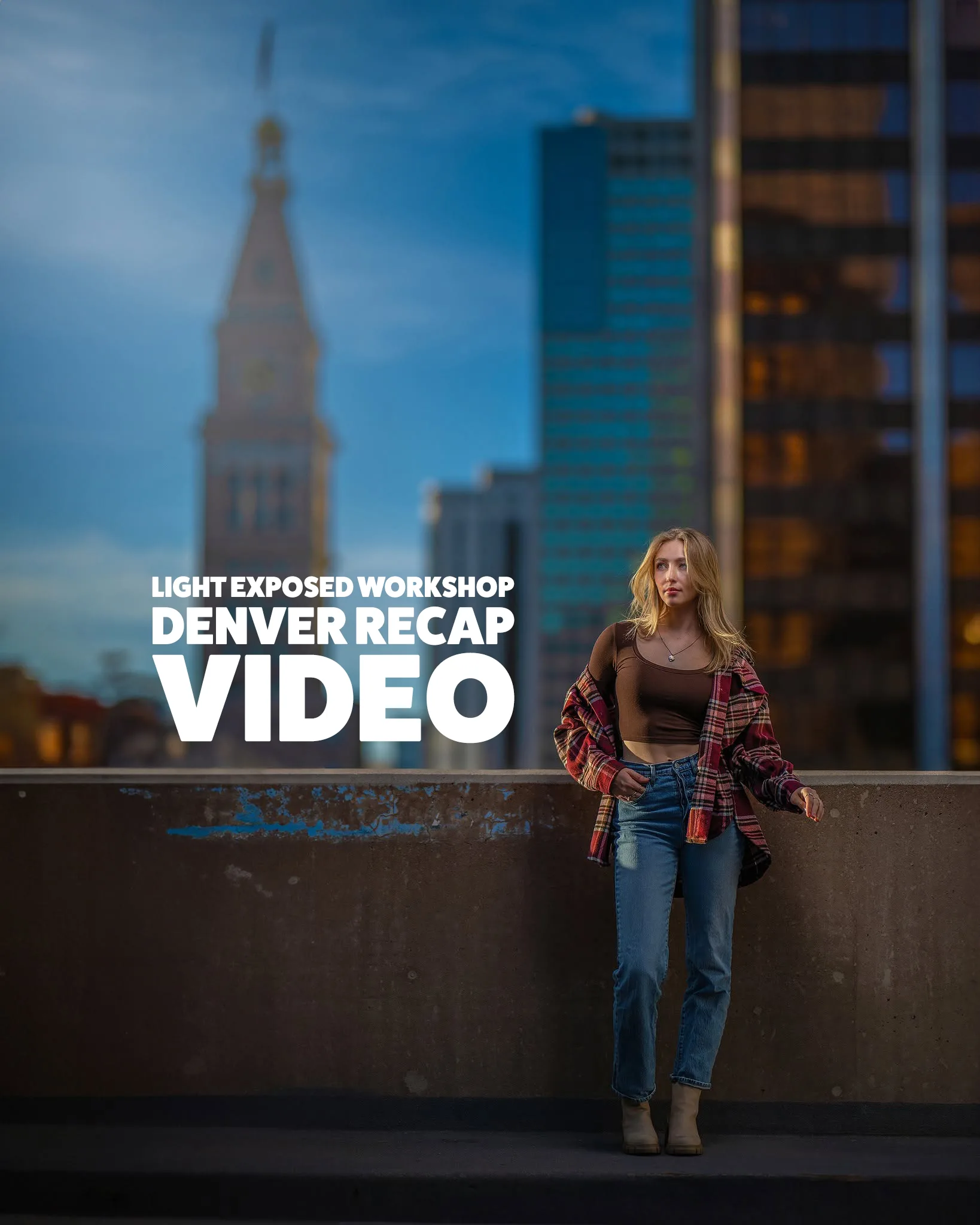
Light Exposed Workshop Denver 2023
Join me as I walk through the day with the in person Denver Workshop photographers! If you’ve been on the fence about joining us for an in person experience, this recap video will give you a great insight to how the experience may be!
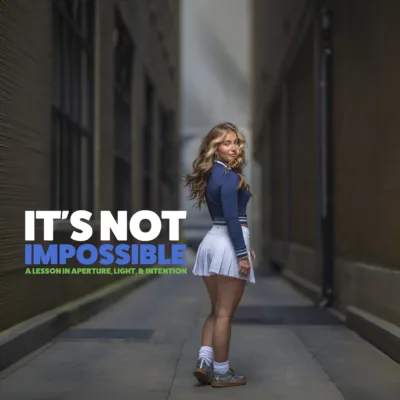
It’s Not Impossible
See why an image photographers called impossible, Photoshopped, green screened, and even AI actually came down to light, aperture, and intention. Go behind the scenes, inspect the RAW files at 200–300%, and see exactly what was created in-camera versus what changed in post.
VP BOX ONLY
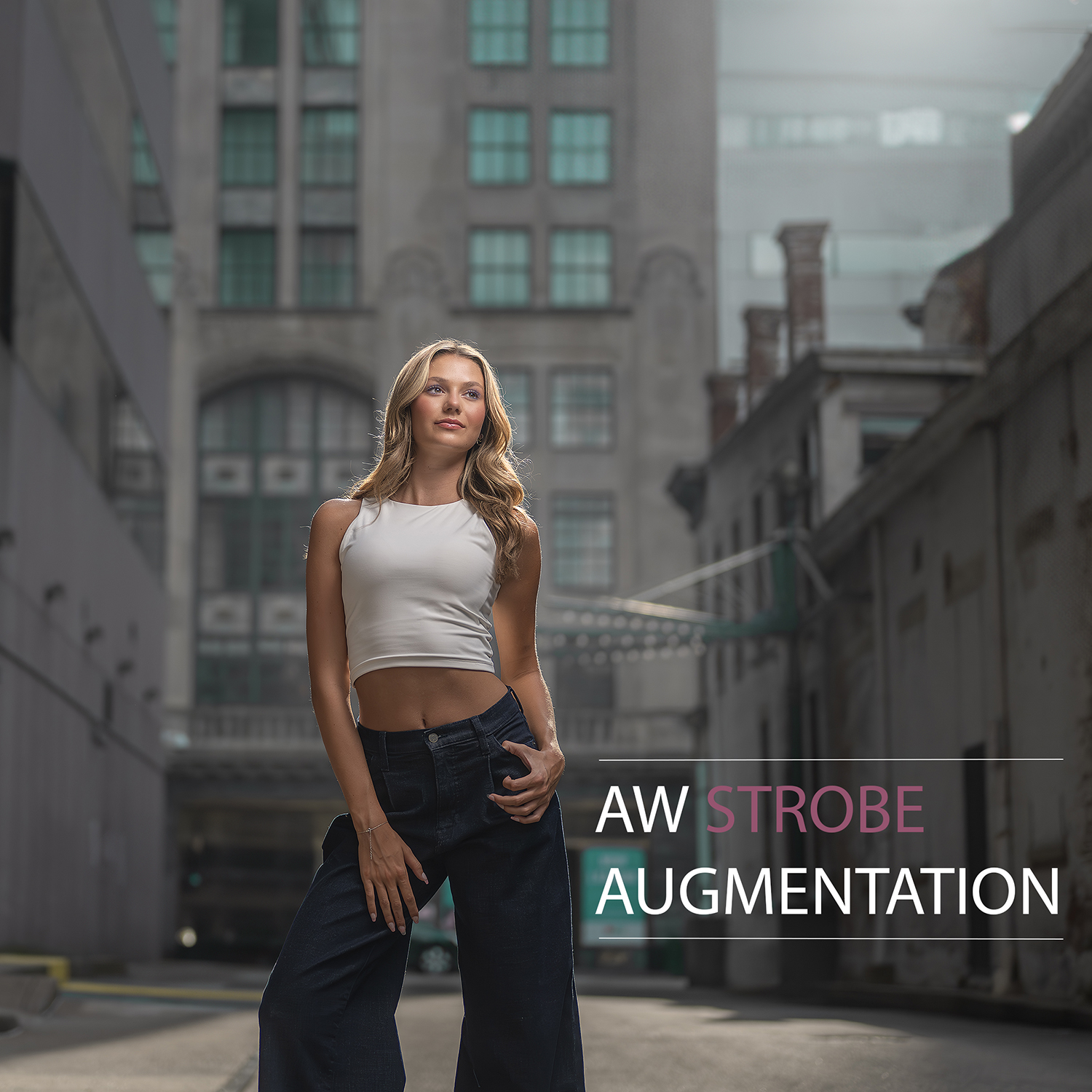
AW Strobe Augmentation
See how I use flash to enhance golden-hour light without overpowering what already makes it beautiful. Go behind the scenes to see how I combine backlight, ambient light, and flash…why I make those lighting decisions, and how I take the image from capture to final edit.
VP BOX ONLY
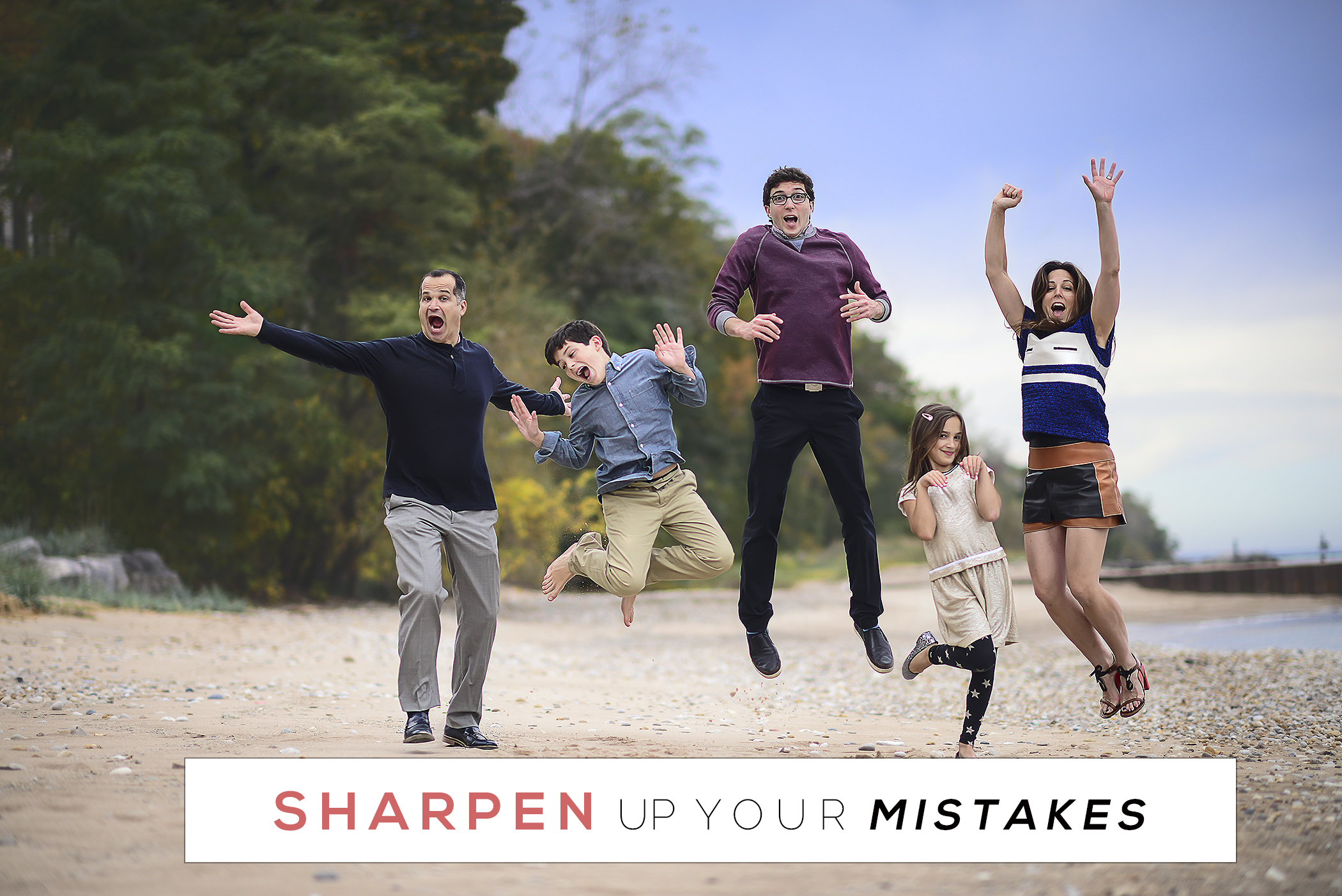
Sharpen Your Mistakes
See how I rescued a slightly soft JPEG and made it strong enough for a 30×40 print purchased by one of my biggest clients. I walk through the sharpening process, then show the finished physical print up close so you can see exactly how the file held up at that size.
VP BOX ONLY
City Light Photo Series
This 3-part series follows one complete city-light session from the beginning through blue hour using natural light only. Across all three parts, I show what I’m looking for at each phase, when I transition, how I keep the session visually cohesive, and how I edit the images from start to finish.
VP BOX ONLY
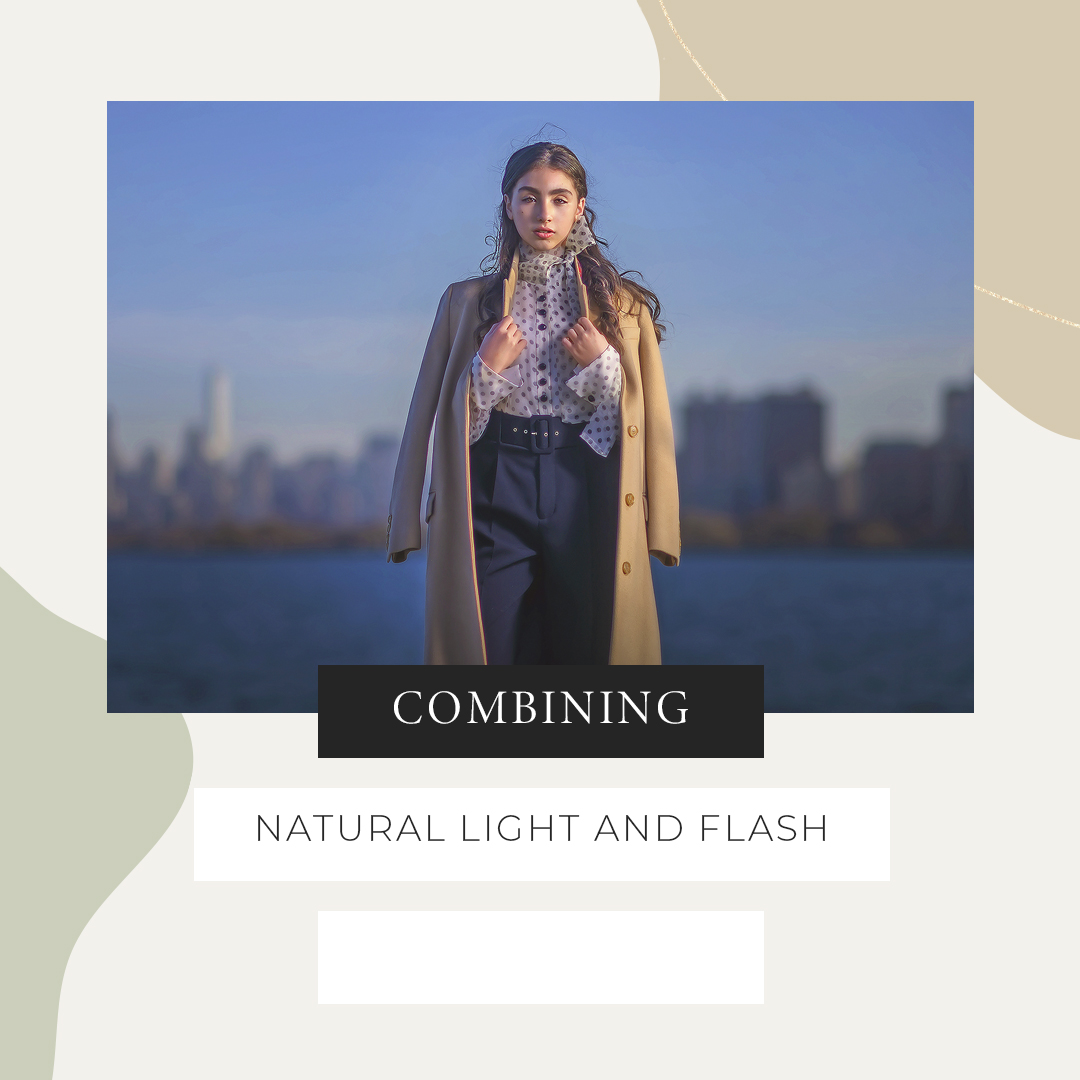
Combining Natural Light and Flash
Follow me through a real paid session as I show natural-light photographers how to introduce flash without losing the look they love. With no assistant, you’ll actually watch me position and manage the strobe myself through multiple lighting scenarios…with full pullbacks, lighting decisions, and every image from RAW to final edit.
Before you join
VP Box FAQ.
What is the VP Box?
The complete AW Teaches educational library with 150+ courses and new releases added every month. It includes lighting, editing, real sessions, RAW files, BTS footage, workflow, and more.
Do you really show exactly how you created the images I see you post online?
Yes. That is the entire point of the VP Box. You see the finished images online. Inside the VP Box, I can show you what you DON’T see…the RAW files, BTS, lighting, camera settings, editing, and most importantly, WHY I made the decisions I made. Many of the images I break down come directly from my latest sessions and the work you’ve seen me share on social media.
Do you explain why you use settings or techniques that go against conventional photography rules?
Absolutely. It’s difficult to reverse engineer a finished photograph when you’re only seeing the final result. A camera setting by itself tells you very little about why I chose it. Inside the VP Box, I explain the reasoning behind those decisions and show you the rest of the story.
How much of what I see in your finished images is actually done in Photoshop?
Probably less than you think. 😅 Some of the things photographers assume I’ve created or enhanced in post were actually created in-camera. At the same time, there are small details I do enhance in post that most people would probably never think about. Inside the VP Box, you see the RAW file and the complete edit, so there’s no guessing about where the final image came from.
Are all VP Box courses available to purchase individually?
No. Only 42 of the 150+ courses currently inside the VP Box are available to purchase individually. That means the majority of what I teach can only be accessed as a VP Box member.
Why should I choose the Lifetime option?
If you already know you like the way I teach, Lifetime just makes sense. There is more than $5,000 worth of education inside the VP Box, including content you can’t purchase individually. Lifetime gives you permanent access to the entire library, PLUS anything I add in the future. You pay once, and that’s it.
Is the VP Box Monthly or Yearly option easy to cancel?
Yes! If you choose Monthly or Yearly, you can cancel your membership at any time right in your dashboard. No emailing me and no awkward conversation!
Where do I watch?
Log into your account dashboard and open the VP Box membership area. Videos stream on computer or mobile.
Photography education built around the WHY behind the image…from light and camera decisions to RAW files, BTS, and the final edit.